
Published: June 2026
Introduction
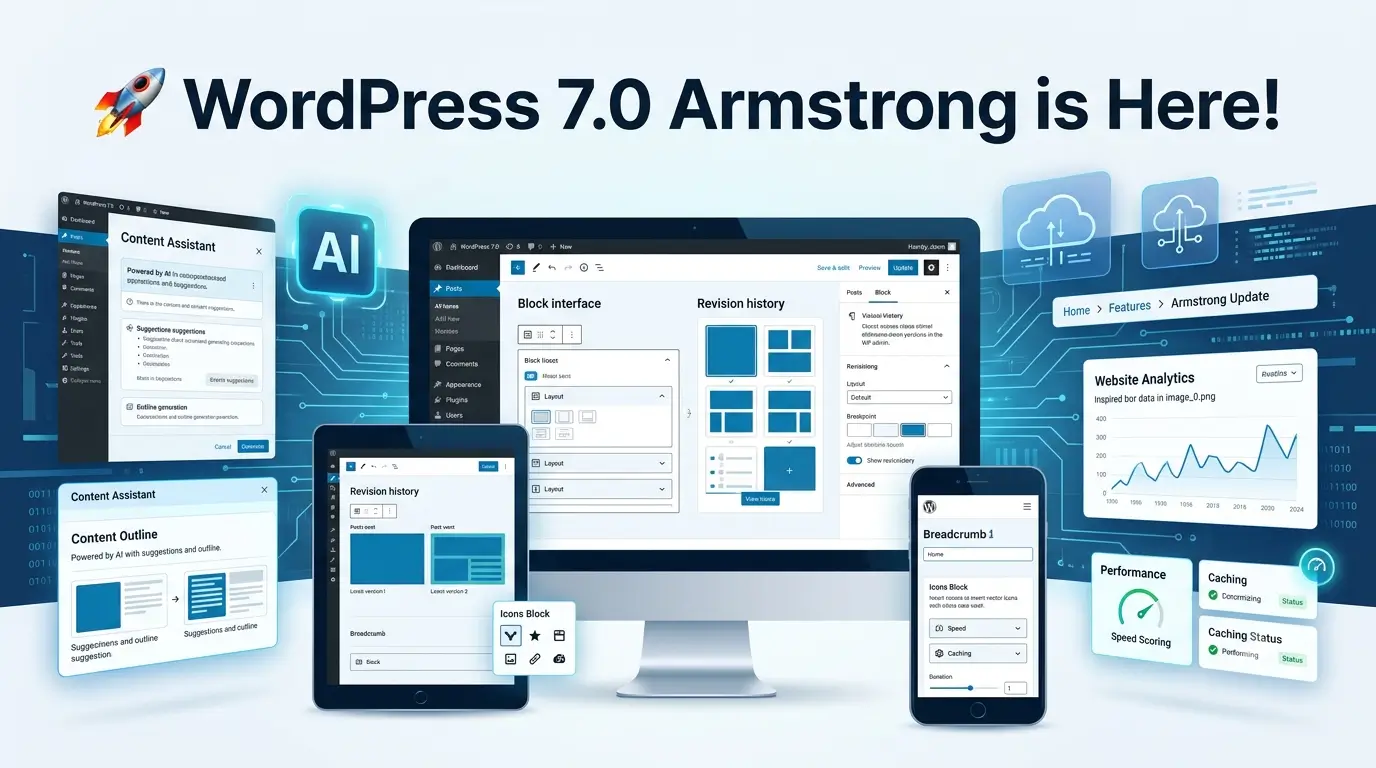
WordPress 7.0 “Armstrong” marks one of the most significant releases in recent years. More than just a routine update, this version introduces native AI infrastructure, a redesigned admin experience, improved content editing tools, enhanced responsive design controls, and powerful developer-focused enhancements.
Whether you’re a blogger, business owner, developer, agency, or eCommerce store manager, WordPress 7.0 delivers improvements that make website creation faster, smarter, and more flexible.
In this comprehensive guide, we’ll explore every major feature, explain why it matters, and show how WordPress 7.0 is shaping the future of website development.
What Is WordPress 7.0?
WordPress 7.0, officially released in May 2026, is the first major release of the WordPress 7.x series.
The primary goals of this release are:
- Building AI capabilities into WordPress Core
- Improving the editing experience
- Modernizing the WordPress dashboard
- Enhancing responsive website design
- Providing better tools for developers
- Improving performance and accessibility
This release contains hundreds of fixes, improvements, and new capabilities that impact both website owners and developers.
1. Native AI Infrastructure Comes to WordPress
Perhaps the biggest change in WordPress 7.0 is the introduction of a native AI foundation.
Instead of every plugin creating its own AI connection system, WordPress now provides a unified framework.
New AI Client
The AI Client acts as a bridge between WordPress and AI providers.
Supported providers include:
- OpenAI
- Anthropic Claude
- Google Gemini
Benefits include:
- Consistent AI integration
- Easier plugin development
- Better user experience
- Centralized AI management
Connectors API
Developers can now build AI-powered plugins using a standard API.
This means:
- Better compatibility
- Faster plugin development
- Reduced conflicts
- Improved scalability
AI Features Available
AI-powered functionality can include:
- Content generation
- Blog title suggestions
- Excerpt generation
- AI image generation
- Image editing
- Meta description creation
- Alt text suggestions
- Content optimization
Importantly, these features remain optional and require activation by the site owner.
2. Completely Refreshed WordPress Dashboard
The WordPress admin area receives its biggest visual update in years.
Improved User Interface
The dashboard now features:
- Cleaner layouts
- Modern typography
- Better spacing
- Improved navigation
- Faster workflows
Benefits:
- Easier onboarding for beginners
- Reduced visual clutter
- Better productivity
Smoother Navigation
Users will notice:
- Faster transitions
- Improved responsiveness
- Better organization of settings
- More intuitive menus
The admin experience now feels much more modern and aligned with today’s web applications.
3. Command Palette for Faster Navigation
WordPress 7.0 expands the Command Palette functionality.
Similar to tools like:
- VS Code
- Notion
- Slack
Users can quickly search and navigate through:
- Posts
- Pages
- Settings
- Templates
- Plugins
- Themes
Benefits:
- Saves time
- Faster workflow
- Reduced clicks
- Better productivity
For large websites, this feature can significantly improve administration efficiency.
4. Visual Revisions System
One of the most requested improvements finally arrives.
What Are Visual Revisions?
Previously, revision comparisons were text-based and difficult to understand.
WordPress 7.0 introduces:
- Visual revision history
- Easier content comparisons
- Better restoration workflow
- Improved change tracking
Users can now visually inspect changes before restoring previous versions.
Benefits
- Better content management
- Easier collaboration
- Faster error recovery
- Improved publishing confidence
5. Responsive Block Visibility Controls
Responsive design becomes much easier.
Device-Based Visibility
You can now choose whether a block appears on:
- Desktop
- Tablet
- Mobile
Examples:
Desktop Only
Show:
- Large banners
- Complex layouts
- Wide tables
Mobile Only
Show:
- Mobile CTAs
- Compact content
- Simplified navigation
Benefits:
- Better user experience
- Improved mobile optimization
- No need for custom CSS hacks
6. Advanced Navigation Overlay Builder
Mobile navigation receives a major upgrade.
Previously:
- Menus were limited
- Custom mobile experiences required plugins
Now:
- Navigation overlays have their own editing canvas
- Fully customizable mobile menus
- Better user journeys
You can design:
- Full-screen menus
- Multi-column overlays
- Custom menu layouts
- Interactive navigation systems
7. Improved Pattern Editing
Patterns become easier to manage.
What Changed?
Patterns can now behave more like individual blocks.
Benefits include:
- Faster editing
- Easier customization
- Reduced complexity
- Better consistency
This is especially valuable for agencies managing multiple websites.
8. New Breadcrumbs Block
SEO professionals will appreciate the new Breadcrumbs Block.
Benefits:
- Improved site navigation
- Better user experience
- Enhanced internal linking
- Better search engine understanding
You no longer need a third-party plugin just to display breadcrumbs.
9. New Icons Block
WordPress 7.0 introduces a built-in Icons Block.
Use cases include:
- Feature sections
- Service pages
- Contact information
- CTA elements
Benefits:
- Fewer plugins
- Faster websites
- Better design flexibility
10. Enhanced Gallery Lightbox Experience
Image galleries become more engaging.
New improvements include:
- Better image viewing
- Smoother transitions
- Improved usability
- Enhanced mobile experience
Ideal for:
- Photography sites
- Portfolios
- eCommerce stores
- Travel blogs
11. Font Library Improvements
Font management expands significantly.
Now available across:
- Block themes
- Hybrid themes
- Classic themes
Users can:
- Upload fonts
- Install fonts
- Manage typography centrally
- Reuse fonts across projects
Benefits:
- Consistent branding
- Easier design management
- Reduced reliance on plugins
12. Developer Features and APIs
Developers receive some powerful new tools.
PHP-Only Block Registration
One of the biggest developer additions.
Developers can create blocks directly in PHP.
Benefits:
- Less JavaScript required
- Faster development
- Easier maintenance
- Lower learning curve
This is particularly useful for traditional WordPress developers.
Expanded APIs
New APIs improve:
- Plugin development
- Theme development
- AI integrations
- Future extensibility
13. Performance Improvements
WordPress 7.0 includes numerous under-the-hood optimizations.
Improvements include:
- Faster loading times
- Better editor responsiveness
- Improved database efficiency
- Reduced resource usage
Benefits:
- Better Core Web Vitals
- Improved SEO
- Better user experience
14. Accessibility Enhancements
Accessibility remains a major focus.
Enhancements include:
- Improved keyboard navigation
- Better screen reader support
- Enhanced focus states
- Improved usability for all users
This helps websites meet modern accessibility standards.
15. Better Theme Compatibility
WordPress 7.0 strengthens compatibility across:
- Classic themes
- Block themes
- Hybrid themes
This allows site owners to adopt new features without rebuilding entire websites.
Features Removed Before Launch
One highly anticipated feature did not make the final release:
Real-Time Collaboration
Originally planned for WordPress 7.0, real-time collaborative editing was postponed.
Reasons include:
- Stability concerns
- Performance testing
- Synchronization challenges
- Additional quality assurance requirements
The feature is expected in a future WordPress release.
Should You Upgrade to WordPress 7.0?
Upgrade Immediately If:
- Your plugins are compatible
- Your theme supports modern WordPress features
- You want AI capabilities
- You use the Block Editor extensively
Test First If:
- You run custom plugins
- You use legacy themes
- You manage enterprise websites
- You have mission-critical applications
Always create a full backup before updating.
Final Thoughts
WordPress 7.0 is more than just another update. It introduces the foundation for AI-powered workflows while simultaneously improving design flexibility, editor usability, performance, accessibility, and developer productivity.
The new AI infrastructure, visual revisions, responsive controls, modern dashboard, command palette, and expanded developer tools make this one of the most impactful WordPress releases in years.
For bloggers, businesses, agencies, and developers alike, WordPress 7.0 represents a major step toward a smarter and more modern web publishing platform.
As future 7.x releases build on these foundations, WordPress is positioning itself for the next generation of website creation and content management.
WordPress 7.0, codenamed Armstrong, is a major WordPress release that introduces AI infrastructure, visual revisions, responsive design controls, new blocks, performance improvements, and enhanced developer tools.
Yes. Like all WordPress core releases, WordPress 7.0 is completely free and open source.
The biggest features include AI integration support, visual revisions, responsive block visibility controls, a redesigned dashboard, command palette enhancements, and new Breadcrumbs and Icons blocks.
Most users should update after verifying theme and plugin compatibility and creating a complete website backup.
Yes. WordPress 7.0 improves performance, accessibility, mobile responsiveness, and site structure, which can positively impact SEO.